USB Smart Card Readers
Many USB smart card readers have a contactless slot that can read NFC tags. Zaparoo Core supports them with its ccid driver, which works with readers that follow the CCID and PC/SC standards. These readers can read and write NTAG and MIFARE Classic tags.
Tested readers
These readers are tested with Zaparoo and are detected as soon as you plug them in.
ACS ACR1552U
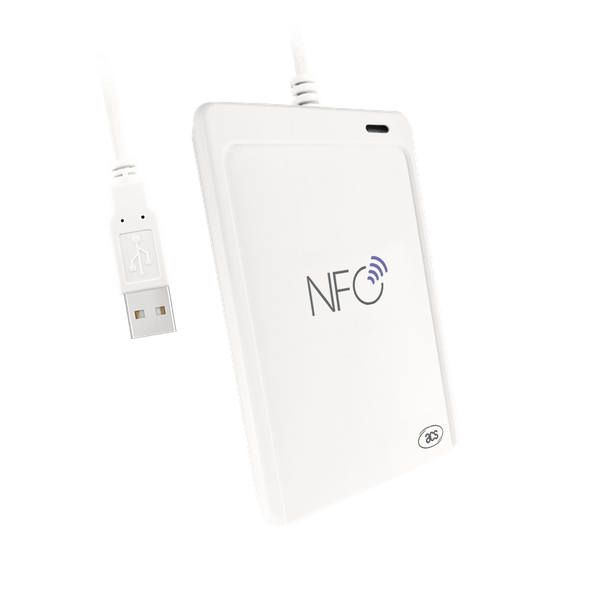
A USB NFC reader in a finished case from ACS, the maker of the original ACR122U.
Feitian bR500
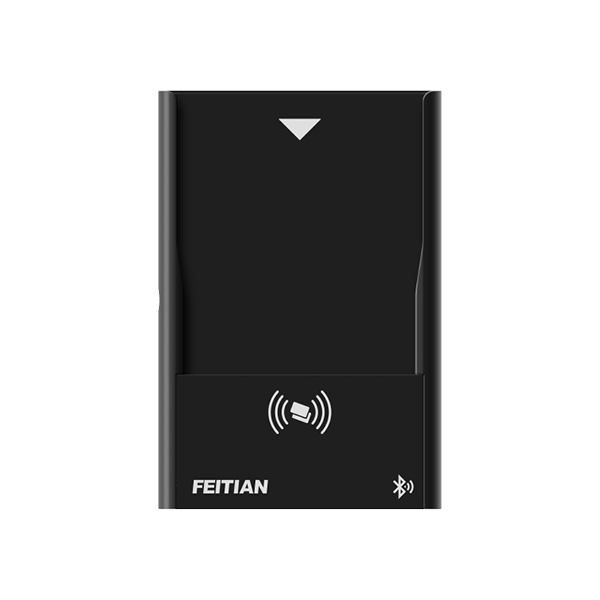
A card reader from Feitian that connects over USB or Bluetooth. Zaparoo supports it over a USB cable only; Bluetooth connections are not supported.
ACR122U
The ACR122U uses the same driver. It has its own page because of the clone compatibility issues that come with it.
Platforms
Setup
Plug the reader in with a USB cable. Core finds it on its own, with no configuration needed.
On Windows and on Linux systems running the PC/SC service (pcscd), Core goes through that service. Elsewhere, such as on MiSTer, it talks to the reader over USB directly, so no extra software is needed.
If you have more than one smart card reader and need to pick one, add a connection to config.toml with the reader's PC/SC name as the path:
[[readers.connect]]
driver = "ccid"
path = "Reader name"
On Windows, the name is listed in Device Manager under Smart card readers.
Other readers
Other USB smart card readers with an NFC slot might work too. Core tries one the first time you hold an NFC tag to it, and leaves contact card slots and security keys alone.
A reader that beeps or lights up when you present a tag is doing that on its own. It does not mean Core has found it.
Get an untested reader supported
If an untested reader does not scan, Core writes what is needed to add support for it to the log. It only does this after a tag has been held to that reader, so follow these steps in order:
- Plug the reader into the device running Core with a USB cable. If you set
auto_detect = falseinconfig.toml, change it back totrueand restart Core. - Hold a Zaparoo card or other NFC tag flat on the new reader for about five seconds. A tag on your phone or on another reader does not count.
- Upload the log right away, without restarting Core or unplugging anything:
- Windows: open the Zaparoo tray menu and select Upload Log.
- MiSTer and other platforms: open the terminal UI and select Settings > Logs, then upload. You can also run
zaparoo -upload-log.
- Post the link it gives you in the Zaparoo Discord or a GitHub issue, with the reader's make and model and a link to where you bought it.
You do not need to turn on debug logging. If the log has no line containing ccid: found, Core did not see a smart card reader at all, and the reader is likely a different kind of device, such as one that types the card number like a keyboard.