Labels
Copyright & Logo Usage:
- You are solely responsible for ensuring you have legal rights to any artwork you print (game art, movie posters, album covers, etc.)
- The Zaparoo logo must not be used on printed labels per Terms of Use - this helps keep the project out of legal trouble
- The Zaparoo project cannot offer pre-printed labels due to intellectual property concerns
See the Zaparoo Media project for marks that are free to use for displaying token compatibility.
Design your labels
The fastest way to create labels is using the Zaparoo Designer web app. It runs in your browser, has built-in templates from the community, and lets you search IGDB for game artwork. Export to PDF or PNG when you're done.
You can also design labels in Photoshop, GIMP, or any graphics program using the template dimensions below.
Print your labels
See the Printing Guide for materials, printers, cutting tools, lamination, and application techniques recommended by the community.
Template specifications
Standard dimensions
- Credit Card Size: 3.375" x 2.125" (85.725mm x 53.975mm)
- Zaparoo Label Size: 3.313" x 2.063" (84.15mm x 52.4mm)
- Print Resolution: 993.9px x 618.9px at 300 DPI
Labels include a 1/32" (0.79mm) margin from the card edge. This gives you tolerance for alignment errors and prevents edge peeling.
Artwork margins (from label edge)
- Horizontal Layout: 3.1mm margin on top/right/bottom, 26.2mm margin on left
- Vertical Layout: 3.1mm margin on top/right/left, 12.2mm margin on bottom
Upgrade stickers
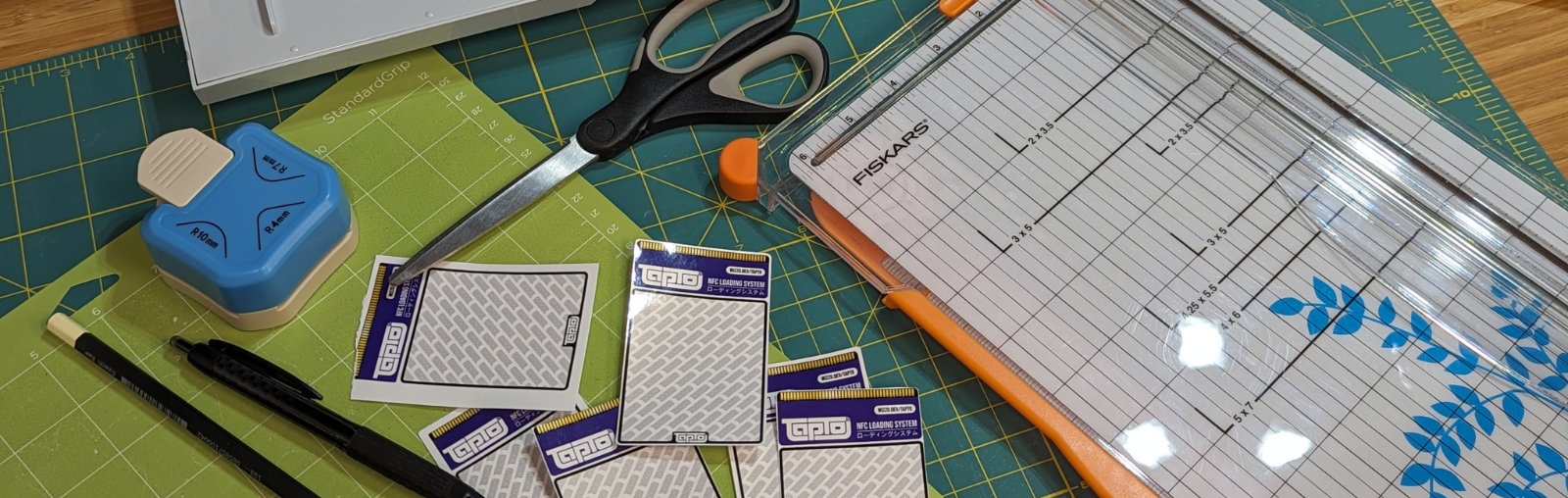
Upgrade stickers are smaller labels designed to fit on existing printed cards. They let larger designs be printed in bulk while still allowing customization later. They're easier to apply than full size labels and designed to look good without a corner rounder.
All upgrade stickers are 36.75mm (1.45in) high with variable width:
- Zap Trading Cards: 63x36.75mm (single area) or 63x75mm (double area with 1.5mm gap)
- Standard Labels: 47.4x36.75mm (single area)
- Frame Style: Leave 1mm border for background frame effect