Community build by Suiren
Physical collections
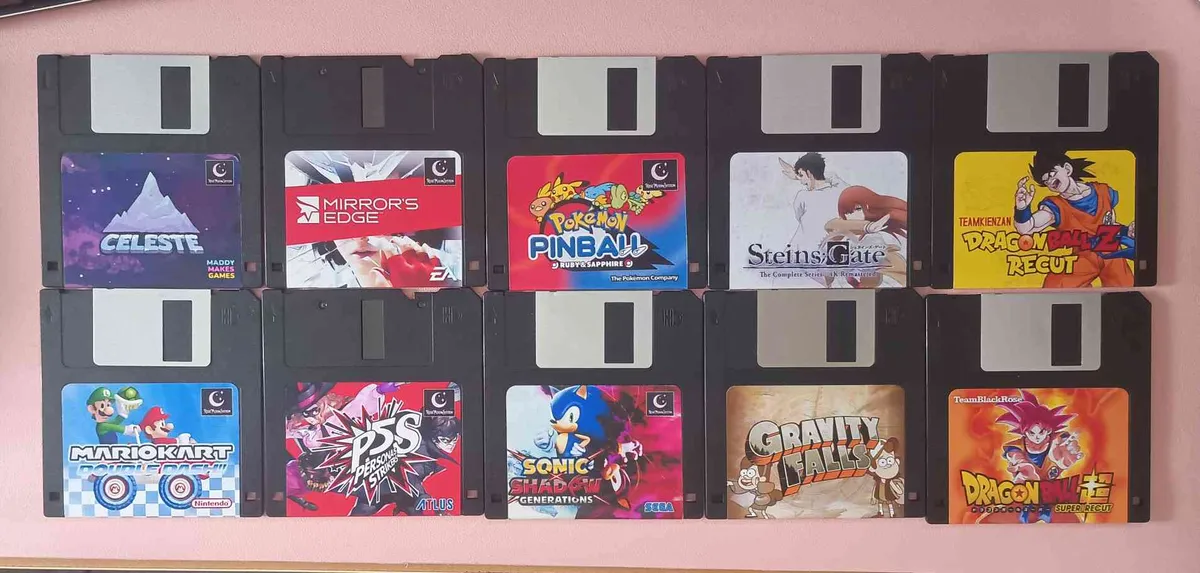
Give digital games a place on your shelf with cards, cartridges, discs, and other objects.

Free, open-source software that turns cards, toys, QR codes, discs, and more into shortcuts for launching games across your existing setup.
Latest: v2.21.0 (October 28, 2026)

Building hardware or publishing a game? Integrate with Zaparoo or turn your game into a card.
The most common setup, in three steps.
Free software for the device that plays your games.
Choose a game in the Zaparoo App and save it to a card.
Tap the card on your reader and the game launches.
What you'll need: free Zaparoo software, an NFC reader, and NFC cards. Use your own, or grab a starter kit.
Use Zaparoo across supported gaming platforms, readers, and token types.
Turn digital game libraries into collections people can browse, share, and play.
Give digital games a place on your shelf with cards, cartridges, discs, and other objects.
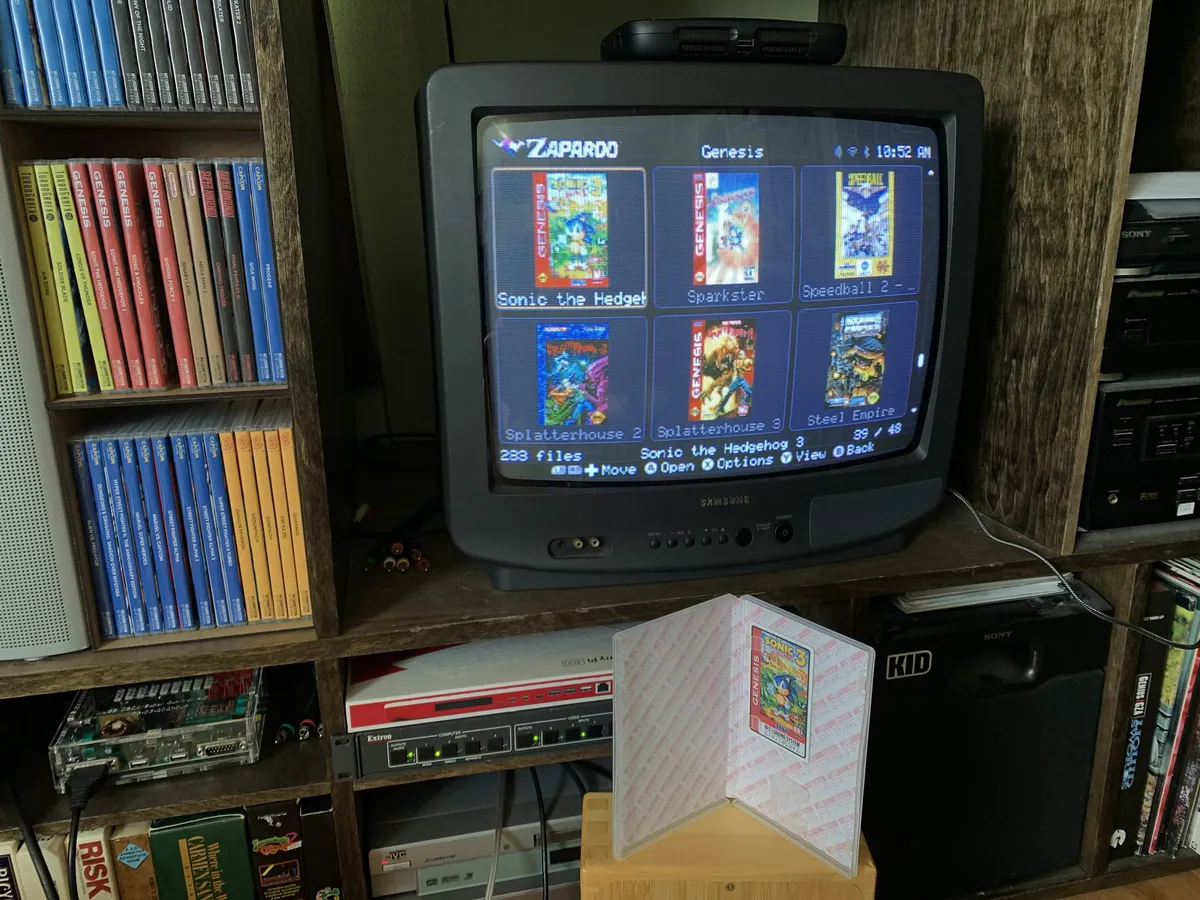
Let family and guests browse physical choices and start playing without learning your frontend.
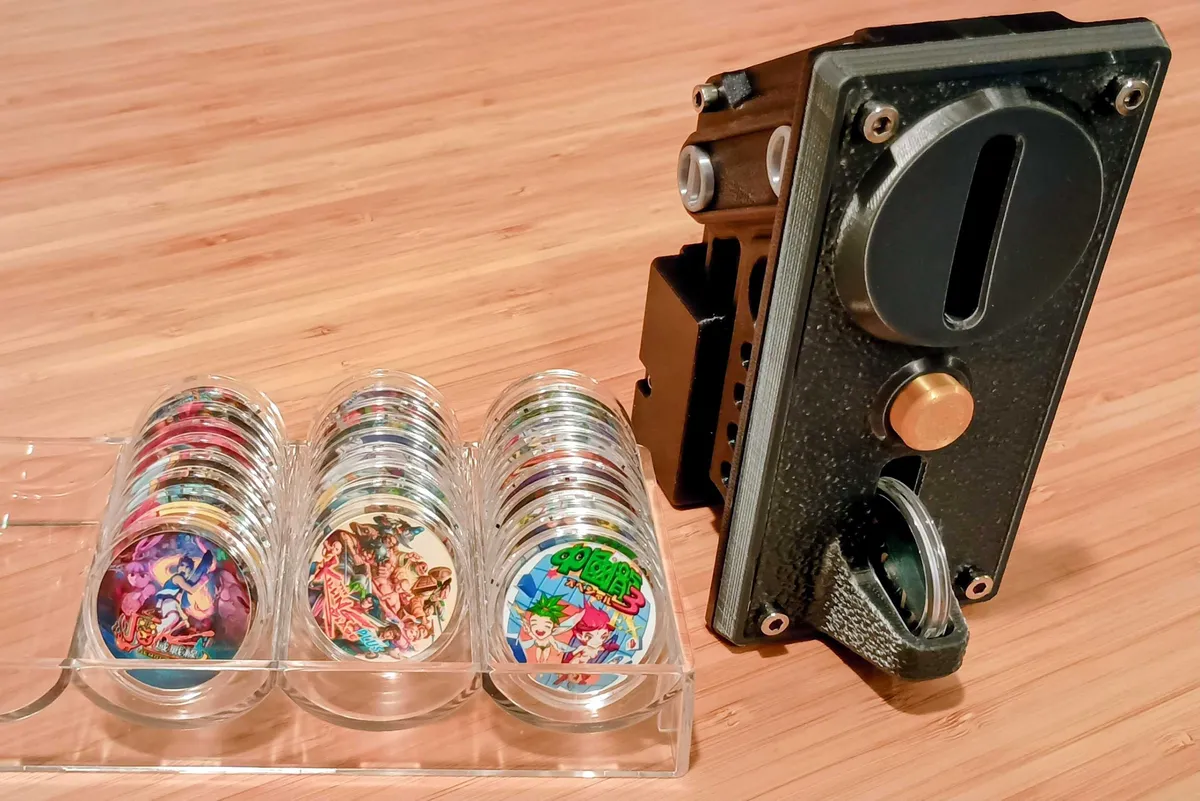
Switch games with tokens in cabinets, event setups, and custom hardware without opening menus.
Makers can build with the Core API, while ZapScript can launch media and trigger custom actions beyond games.
Zaparoo is free and open source. This is what keeps it going.
Warp backs up your Zaparoo data off-site automatically and includes App Pro. Local backups are always free.
Tested with Zaparoo and ready to use. Every purchase funds development.
Or sponsor directly on Patreon or GitHub.
Stay up to date with the latest Zaparoo news and releases.
 Share your ideas